Free Winter Wallpapers for iPhones
Hello, Graphics Fairy friends! I’m Diana from Dreams Factory and I’m happy to be here again to share another creative project with you! Today, we are diving into the beauty of this season with a charming collection of Free Winter Wallpapers for iPhones! There are 25 versions available for free download, one more beautiful than the other, so you’ll have plenty of options to choose from, depending on your preferences and mood.

This post may contain affiliate links which won't change your price but will share some commission, you can find our privacy policy here.
We had a few snowy days around here and everything looked like it had been pulled straight from the pages of a winter storybook. The snow made everything look magical and it brought so many great childhood memories. The temperature dropped considerably, but there was a sense of calmness and coziness that somehow pierced through the cold air. After all the holiday sparkle, this quiet winter mood became my inspiration for these new phone wallpapers.

The designs feature delicate snowfalls, vintage-style illustrations and washi-tape-inspired paper textures, along with other winter favorites. I mostly went with a neutral color palette that feels perfectly suited for this season. Most of these beauties come with a matching design, so they can be used in pairs.

You can use the vivid ones for your lock screens and the softer ones for your home screens. I also included two blank ones, and of course, if you feel like mixing things up, you definitely can!
Free Winter Wallpaper for iPhones Downloads:


{Click or tap on any of these wallpapers to open them, then save them on your phone}



{Click or tap on any of these wallpapers to open them, then save them on your phone}


{Click or tap on any of these wallpapers to open them, then save them on your phone}


{Click or tap on any of these wallpapers to open them, then save them on your phone}


{Click or tap on any of these wallpapers to open them, then save them on your phone}


{Click or tap on any of these wallpapers to open them, then save them on your phone}


{Click or tap on any of these wallpapers to open them, then save them on your phone}
How to Save and Set Your Winter Wallpaper
Saving and setting these wallpapers is super easy!
Start by opening this article on your phone (Google, Safari or your browser of choice). Tap the image you want, then long-press and Save Image.
Go to your phone’s gallery, open the image and tap the three dots in the corner (1). Select ‘Set as wallpaper’ (2).

Select ‘Apply’ (3) and choose whether you want it as your Lock Screen, Home Screen, or both (4)! 
Tips and tricks:
Try matching wallpapers for lock and home screens, or mix different designs depending on your mood.
Use bold and colorful icons for your home screen or choose a theme with more neutral ones, that would perfectly match these lovely designs.

I have an Android operating system and the lock screen can be further customized according to one’s preferences. Depending on what type of phone you own, you might have something similar available on yours. You just need to long-tap to activate this time & date built-in feature (1) and then select the color that you want (2). You can go even deeper and tap this button (3) to open more options, which will allow you to change the hue, saturation and lightness. I went with white, which I think works great with our wintery vibe, but you can have fun choosing a color that you love.


This one with the sledding children comes close as my second choice, as I feel it’s one of those images that everyone can connect with and relate to, no matter the age. Winter magic at its best!

Thirdly, this beautiful birds on wire wallpaper, which I feel has a lot of that peaceful winter aesthetics I tried to imprint on these designs.

This next one with the vintage bird on branches comes next. Don’t you just LOVE this image? I feel it can bring so much beauty to any project, no matter whether it is a regular or a digital one, like our wallpapers tutorial from today.

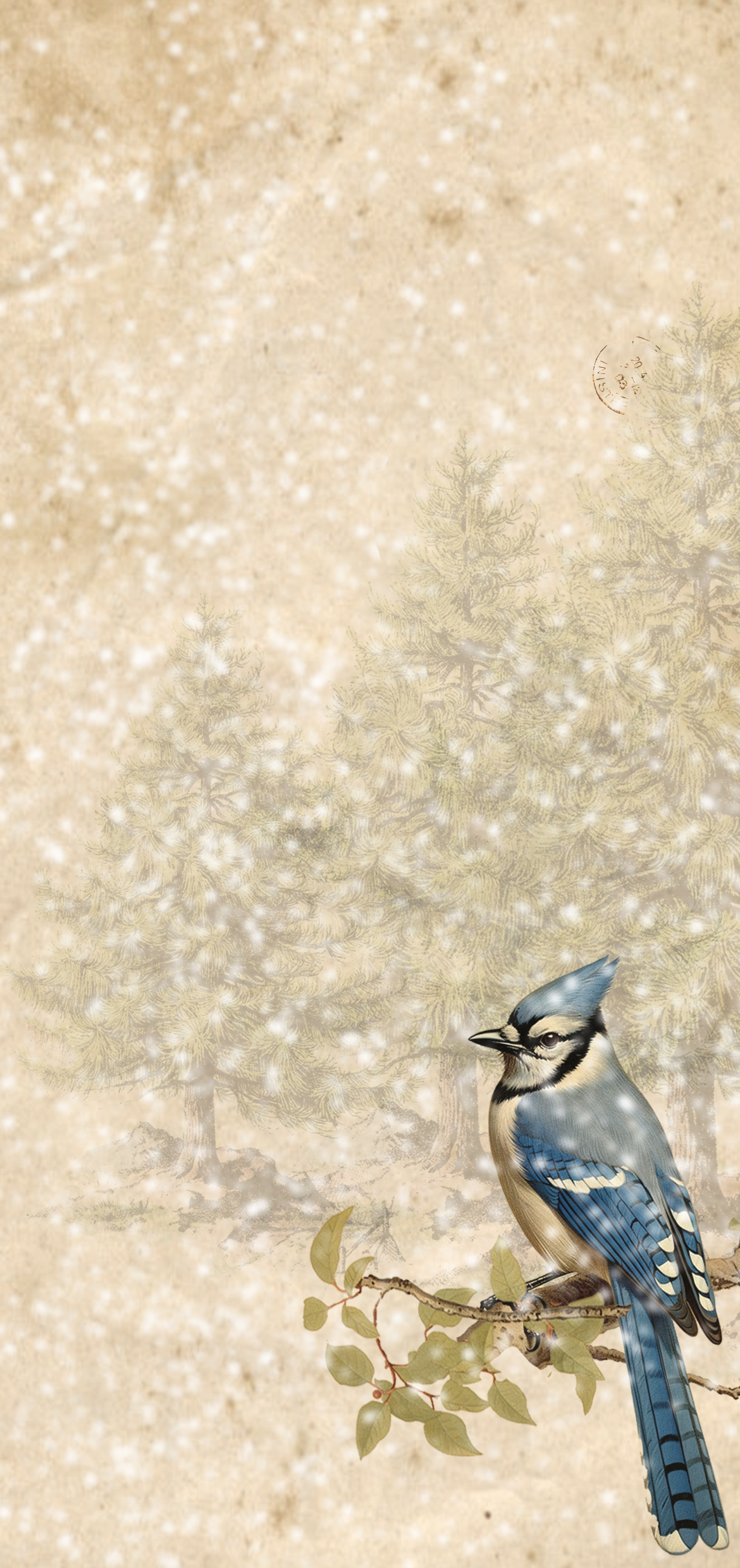
This next one might look more decorative than nostalgic, but I feel it speaks the most to our vintage-loving souls. Bluebirds are some of my all-time favorites! The overall snowy vibe of this wallpaper brings calmness but also a nice pop of color, don’t you think?

These designs are meant to feel gentle, warm, and just a little magical — perfect for creating a cozy vibe on your lock screen or home screen throughout the winter. So I hope these beauties will bring a little bit of joy to your daily routine — a moment of winter calm every time you glance at your phone.

Whether you love cozy vintage scenes or soft snowy vibes, feel free to choose the ones you connect with the most. You can switch them up throughout the season, match pairs for a cohesive look or simply choose your absolute favorite design as your everyday companion.

You might also like my Spring iPhone Wallpapers HERE and my Christmas iPhone Wallpapers HERE.
Happy crafting,
Diana / Dreams Factory