
45 Free Christmas Wallpapers for iPhones
Hello, Graphics Fairy friends! I’m Diana from Dreams Factory and I’m happy to be here again to share another creative project with you! Today, we are joyfully welcoming the upcoming season with a new set of Free Christmas Wallpapers for iPhones. So, get ready to customize your lock screens and your home screens with these super chic, vintage wallpapers that capture a little bit of Christmas’s magical essence!

This post may contain affiliate links which won't change your price but will share some commission, you can find our privacy policy here.
I created the wallpapers using some of my favorite Christmas images from The Graphics Fairy. I handpicked each and every one of these beauties, having one thing in mind. I wanted them to bring instant joy to everyone looking at them! We are using our phones more than ever these days, so I think a seasonal vintage wallpaper that we really LOVE would be the perfect pick-me-up to instantly boost our mood and get us into the holiday spirit.
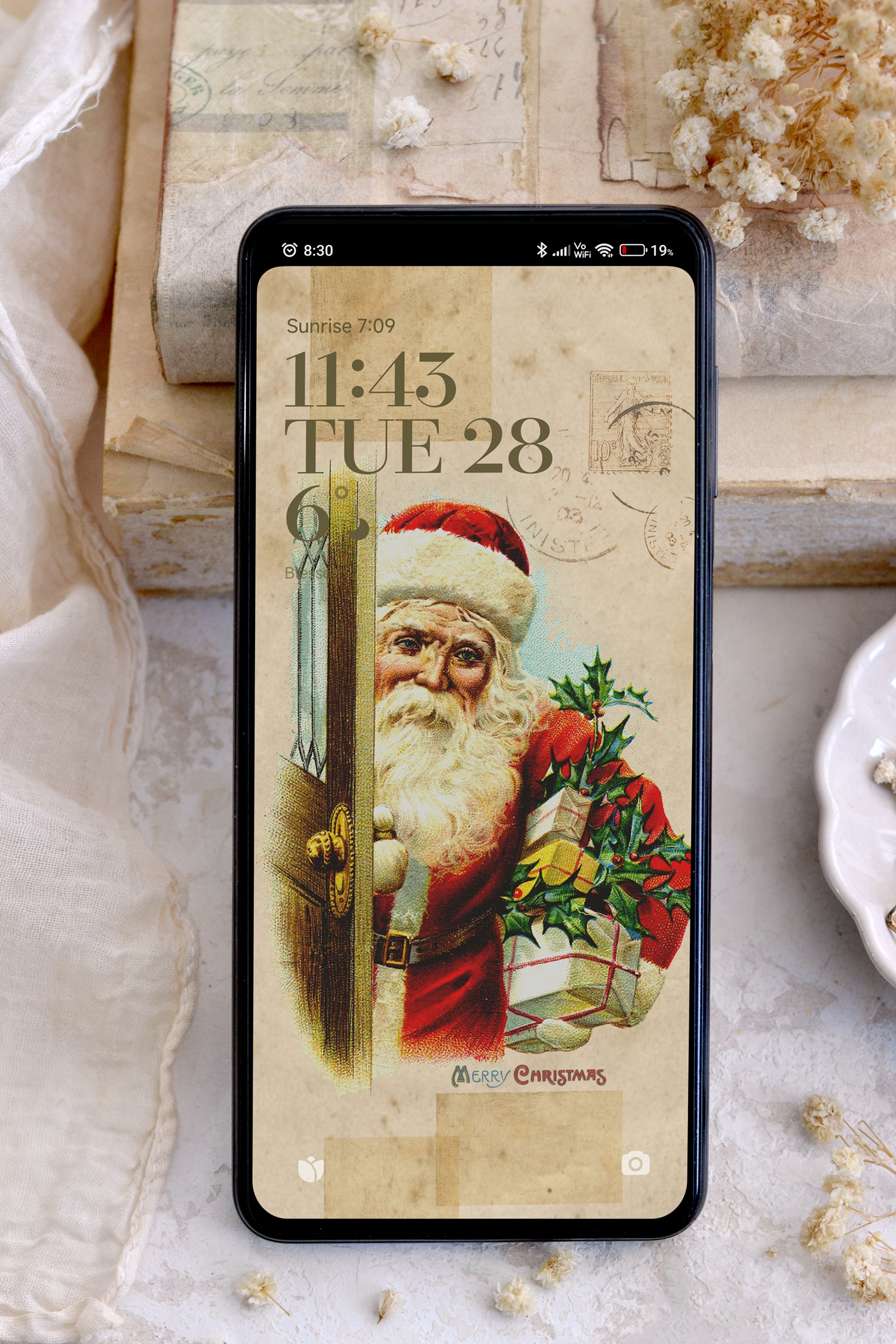
I’m sharing a whopping number of 45 wallpapers today that will help you customize both your home screens and lock screens to your heart’s content. Some of them are matching, so you can choose two from the same set if you want.
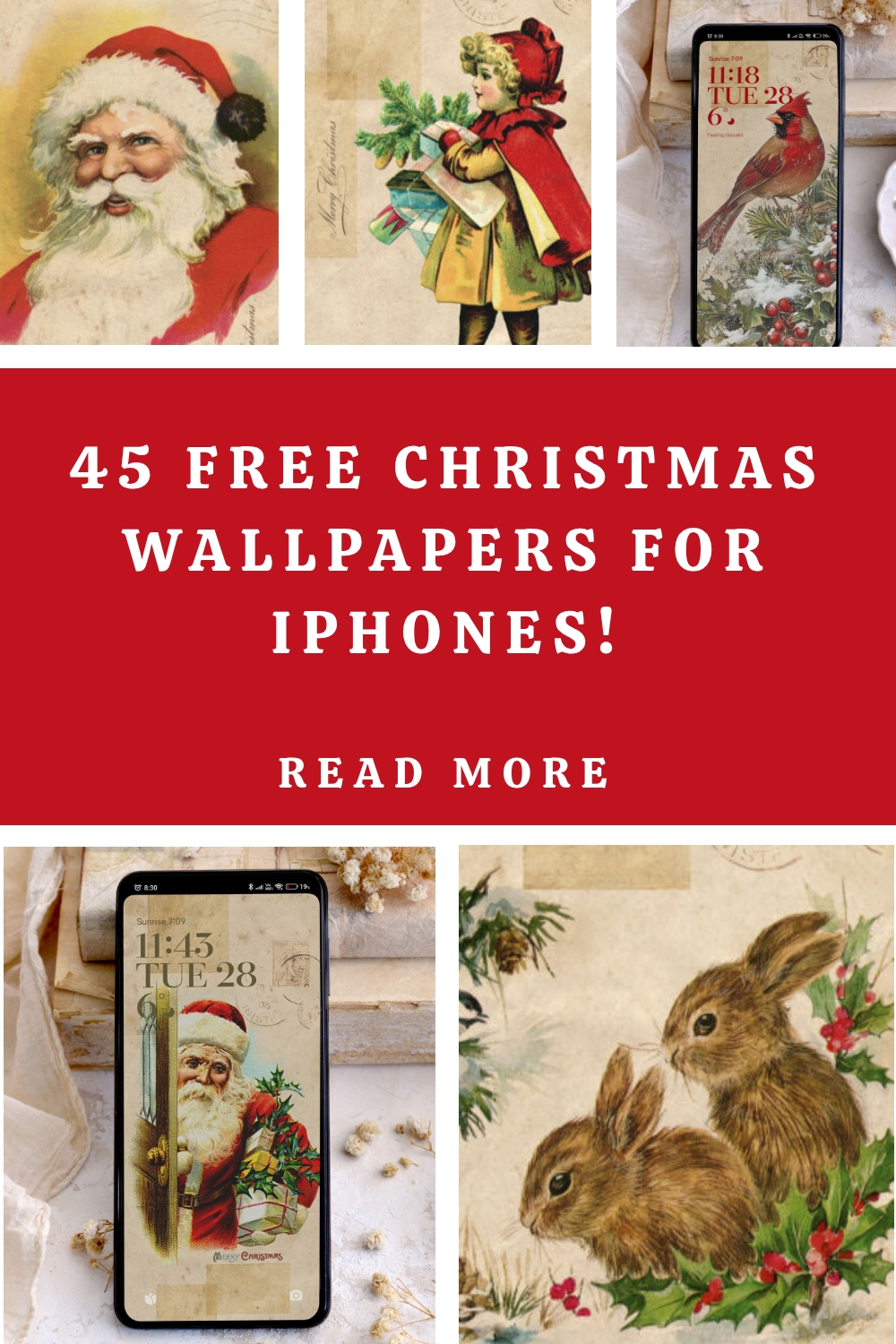
But of course, as I always encourage you, feel free to do things your way and choose the ones that you love the most. Matching or not matching ones, the choice is all yours!

Before we jump right into sharing these beautiful Christmas wallpapers, I’d like to mention one more thing. You will notice that some of the same designs have multiple variations. That’s because I wanted to include Christmas wishes, but also keep some wishes free. This will give you even more time for enjoying some of these, as the usage period can be extended even after Christmas. Especially the ones that have more of a wintery vibe, they will be the perfect companion for your screens throughout the cold season.
Free Christmas Wallpaper for iPhones Downloads:


{Click or tap on any of these wallpapers to open them, then save them on your phone}


{Click or tap on any of these wallpapers to open them, then save them on your phone}


{Click or tap on any of these wallpapers to open them, then save them on your phone}


{Click or tap on any of these wallpapers to open them, then save them on your phone}


{Click or tap on any of these wallpapers to open them, then save them on your phone}


{Click or tap on any of these wallpapers to open them, then save them on your phone}


{Click or tap on any of these wallpapers to open them, then save them on your phone}


{Click or tap on any of these wallpapers to open them, then save them on your phone}


{Click or tap on any of these wallpapers to open them, then save them on your phone}


{Click or tap on any of these wallpapers to open them, then save them on your phone}


{Click or tap on any of these wallpapers to open them, then save them on your phone}


{Click or tap on any of these wallpapers to open them, then save them on your phone}
How to set up your lock screen or your home screen
It would be easier to open this article directly on your phone so you can save the wallpapers there. After saving your favorite wallpapers, you can simply access the Photo Gallery on your phone and open the image that you want. Select the three dots (1) on the right and then select Set as wallpaper (2).

Select Apply (3) and then decide whether you want to save this as a lock screen, a home screen (4) or why not, even both! So easy, right?
P.S. I have an Android operating system on my phone, so if you have a different one, things might look slightly different.

Another thing that you can try if you want to further customize your lock screen is to color coordinate the date and time widget with the wallpaper you are using. Just long-press on this widget while the phone is locked to activate more options. Play around with the Hue, Saturation and Lightness and choose a color you love! Again, this might be an option specific to Android users, just experiment with the settings and see if you can do that on your phone, too.


The wallpapers look really beautiful! As you can see, besides the focal point image, I also used a few smaller vintage backgrounds to add a little bit of interest and even more charm to our designs.

I imagined the wallpapers for home screens to have more empty space towards the center and only added smaller images to the sides. I don’t like my icons to look too crowded, so I have to confess I usually arrange them on my screen while also taking into consideration the design of the wallpaper underneath. They can sometimes look like this.

And sometimes like this.

Or even like this.
You also have the option to choose this vintage background version without any Christmas decorations. You can pick this one if you want to keep things simple inside your phone and only add that holiday vibe to your lock screen.

I really love how these wallpapers turned out! I think the hardest part would be choosing just one. The angel with the Christmas tree branches wallpaper is definitely amongst my favorites!

And this one is also high on my list.

The one with the Virgin Mary and Baby Jesus looks really beautiful, too. I think this one could also act as a screen reminder of what Christmas is really about. Maybe it will help us take things slow and not worry too much about making everything perfect this Christmas, but focus more on spending quality time with our family while enjoying beautiful moments together.

I also loved this one, with the green Santa. It has more of a neutral vibe, just like the other three. So if you want to take a slightly different approach from some of the red Christmas usually brings, these would be some great options to try.

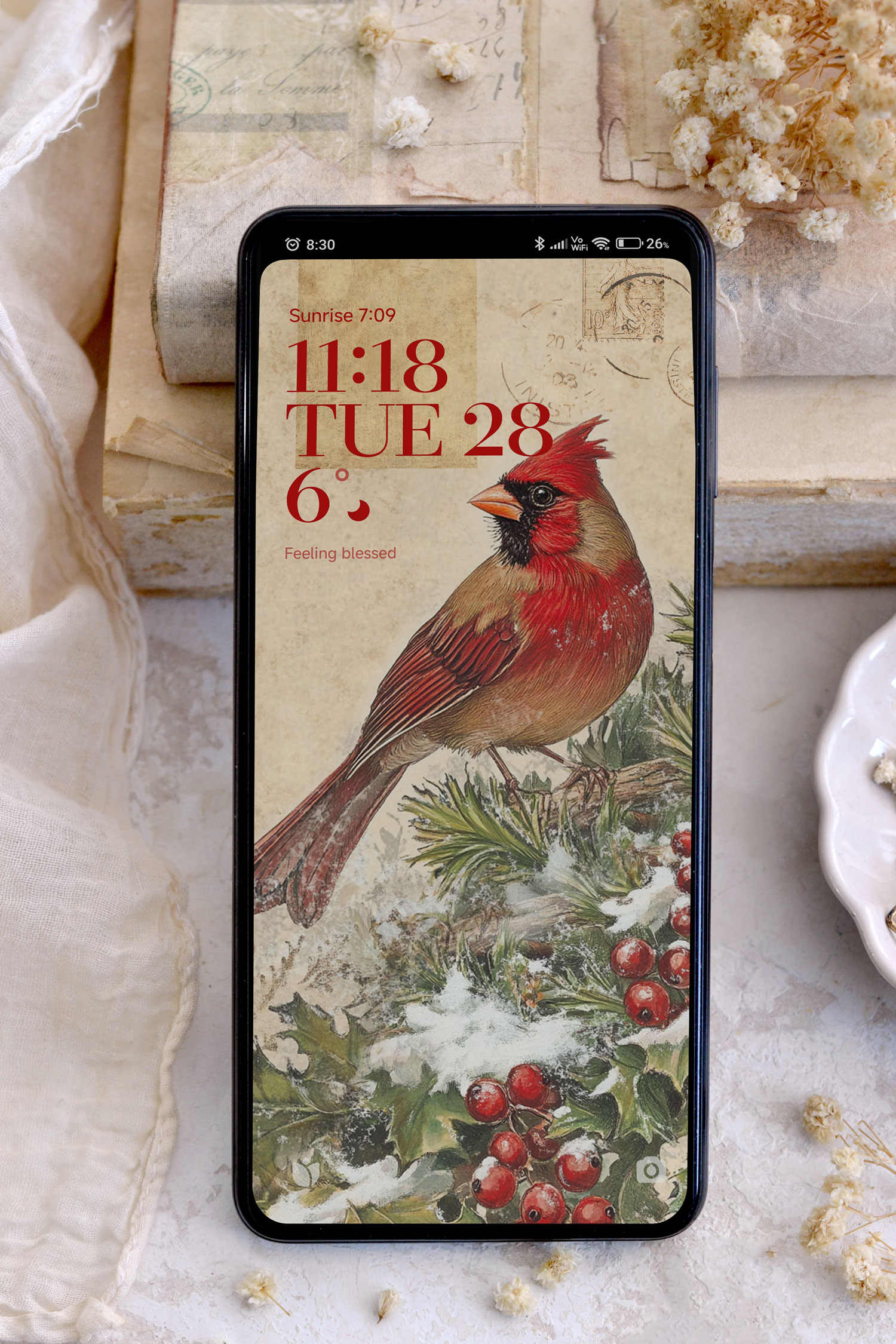
Of course, if you want to embrace the classic red for Christmas, you’ll have so many great options to choose from, too! You can go for a classic Christmasy red.

You can choose a more winter-y red.
Or even more of a general one, like this beautiful red rose, which is not that Christmasy obvious, but will still bring a subtle festive vibe through its color palette.

I hope you will love all these magical Christmas wallpapers that I’ve created especially for you! Save them on your smart phone and choose the one that speaks the most to you. Match the lock screens with the home screens or mix things around as you want, the choice is all yours! And if you feel like they are too beautiful to choose only one, gradually try them all out throughout the holidays, switching them every few other days. This way, you’ll be able to fully harness their magic and enjoy them all to the fullest.
 You might also like my Free Fall Wallpapers for iPhones HERE.
Happy crafting,
Diana / Dreams Factory



Kimberly Chamberlain says
Thank you so much for the free principles there very lovely. I will put them to good use. Thank you.
Karen says
You’re most welcome! 🙂
Karen says
Glad you like it!
Karen says
happy crafting! 🙂
LeAnne Pugliese says
Oh my goodness, I am in love with ALL of them! Thank you so much! I am currently enjoying my pumpkin ones very much!
Karen says
That’s so nice to hear! Im glad you liked it. Thank you.